
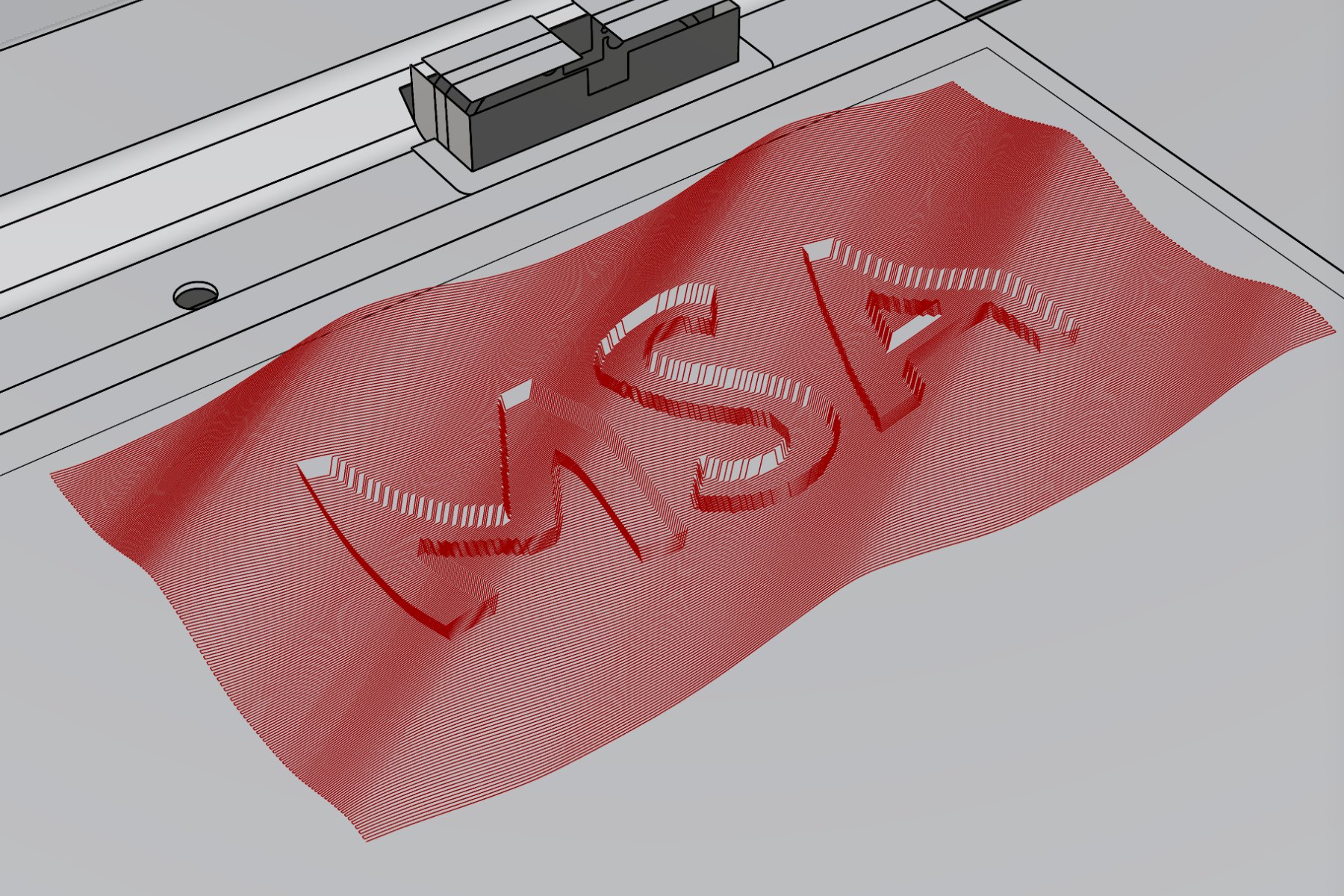
Freeform Surfaces Instead of Flat Cuts
Zünd digital cutters are built for cutting and 2D routing. Continuous 3D surfaces – where the router moves in X, Y and Z at the same time – are not part of the standard workflow. With LARGER.slicer, our Grasshopper toolkit, they are: the plugin generates 3D milling toolpaths in Grasshopper and exports them as an HPGL/PLT file that the Zünd runs directly.
How It Works
In LARGER.slicer, the CNC Program component takes a 3D geometry from Rhino – a Brep or a mesh – and calculates a zigzag toolpath (boustrophedon) across the surface. Every point of the path carries its own Z height, so the router follows the freeform surface continuously instead of milling in flat steps.
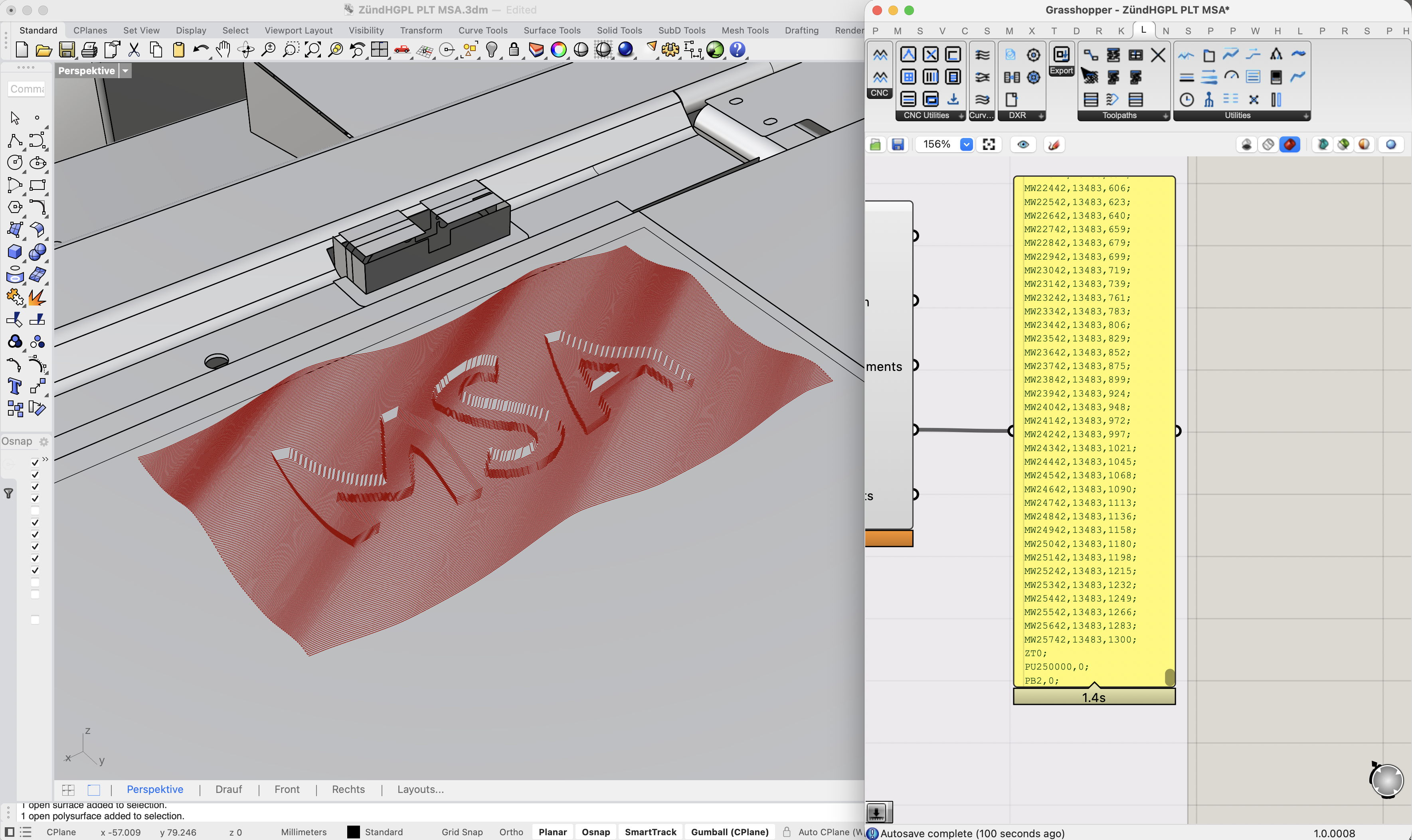
The exported PLT file already contains everything the machine needs: tool selection, spindle speed, vacuum control, Z positioning, extraction height and underlay compensation.
Workflow
- Reference the 3D geometry in Grasshopper and check that it fits the working area.
- Set material thickness, pass depth, stepover, tool and spindle speed.
- Generate the toolpath with the CNC Program component and check it in the Rhino viewport.
- Export the HPGL/PLT file.
- Load the file in Zünd Cut Center, fix the material with vacuum, calibrate the tool height and start the job.
From Toolpath to Relief
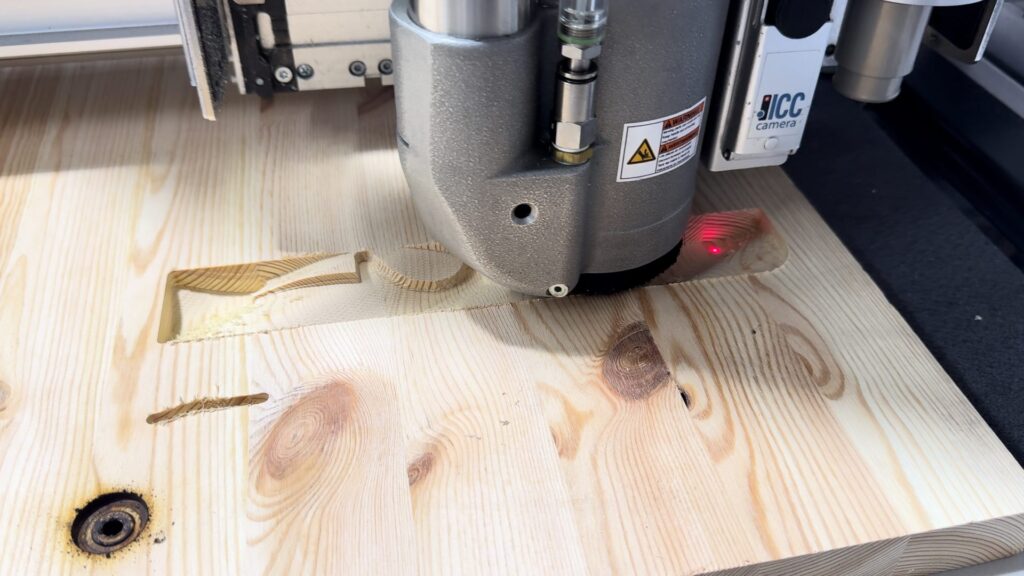
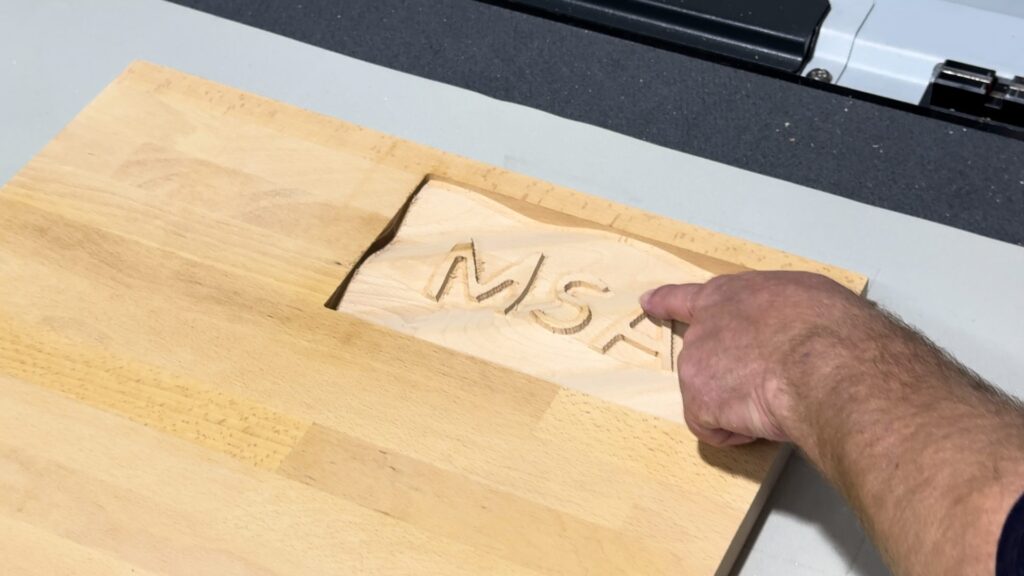
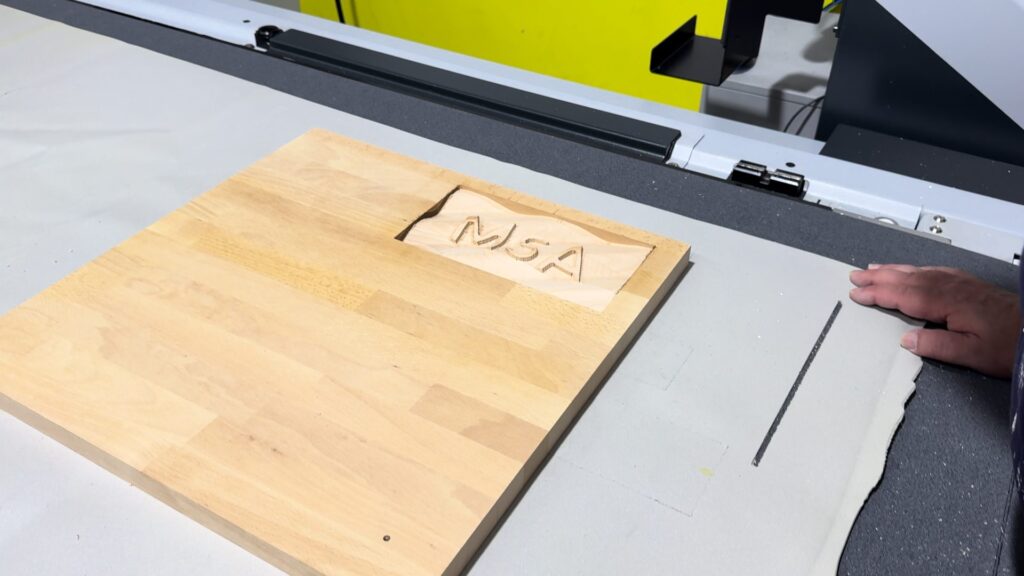
Tested on the Zünd G3 L-2500 at FH Münster
- Working area 1800 × 2500 mm, working height up to 50 mm
- Routing module RM-A with 1 kW spindle and automatic router bit changer
- Grasshopper template and quick start guide included in the LARGER.slicer download
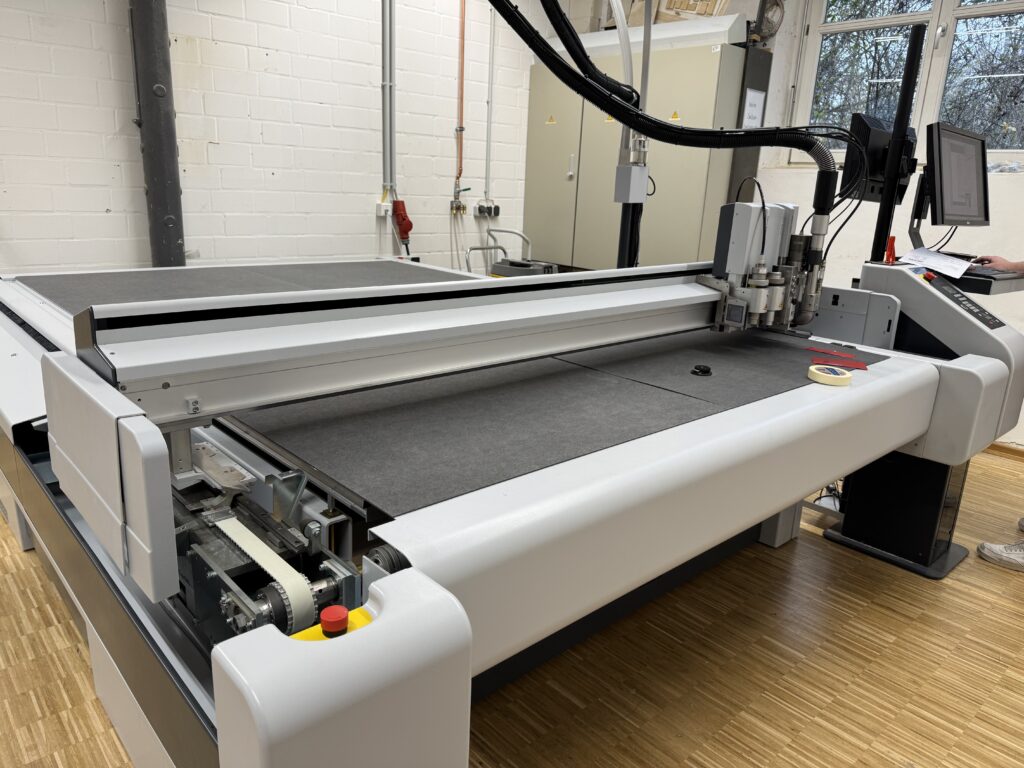
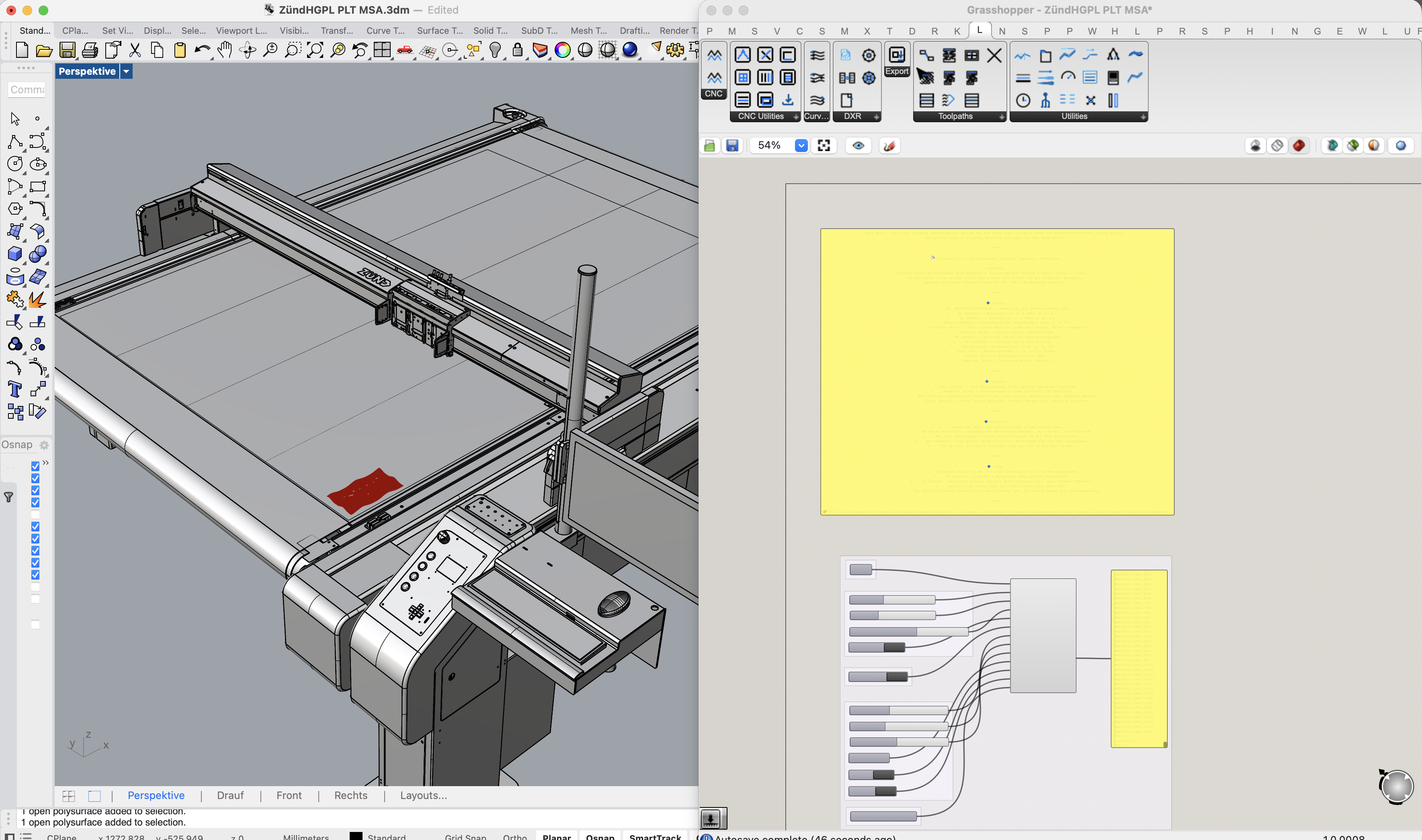
Typical applications are reliefs, textured panels, mould and prototype surfaces – anything that needs a smooth 3D surface rather than a flat cut.
Using a Zünd in Your Workshop?
Many shopfitters and interior workshops already have a Zünd cutter. We adapt the workflow to your machine, tools and materials – so you can use it for 3D surfaces as well.